Help
Using my recovery kit


The code on your kit brings your key back. Type it in and everything opens again.
In Didji: Settings, then Devices & data, then Recovery kit & vault key
Your recovery kit is the page you printed when you set Didji up. The long code on it, nine groups of eight letters and numbers, opens a copy of your vault's key kept in iCloud, so using it needs the device online. Forgotten your Didji passcode? Stay on the lock screen: tap Forgot your Didji passcode?, beneath the passcode's box, and type the code there. The steps below are for a new device that hasn't been given the key, or for when Didji says some of your records need a different key. Have the kit beside you, then unlock Didji. On a new device, Didji opens on its first screen: tap Set up my own vault (if a step about the free trial comes first, start the trial (it costs nothing), or tap Not now if it says your trial has ended), then I already use Didji, then Use my recovery kit, and the same screen opens straight away, from step 4.
- On the home screen, tap the cog at the top left to open Settings.
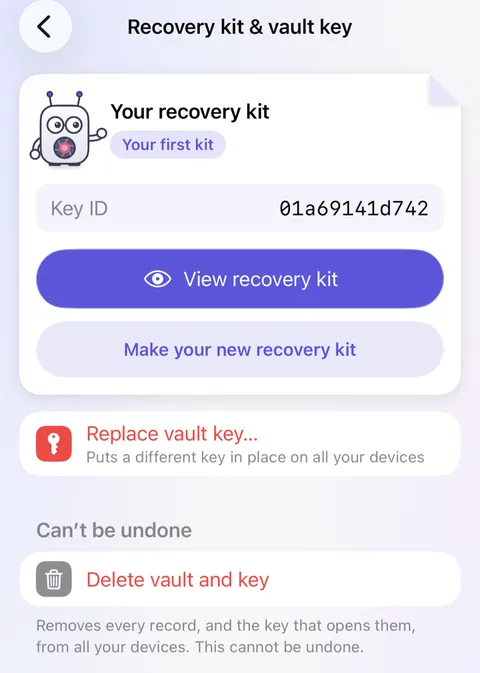
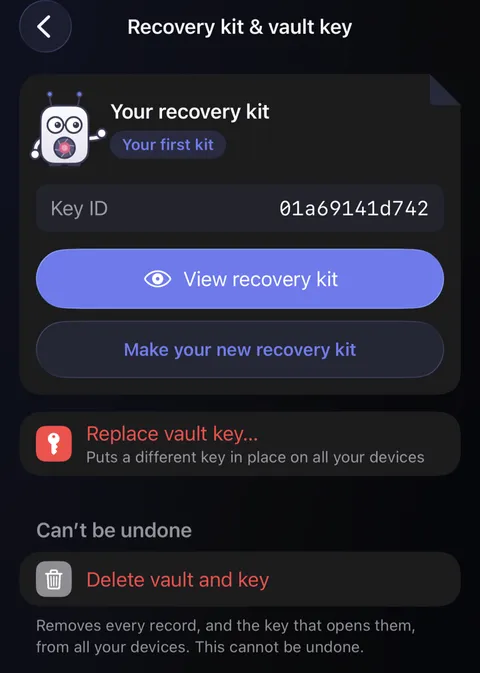
- Scroll down to the card titled Devices & data, and tap Recovery kit & vault key. You'll see your Key ID on the kit's card at the top, a short code that names the key in use now.
- Tap Replace vault key…, in red, and confirm it's you with Face ID.
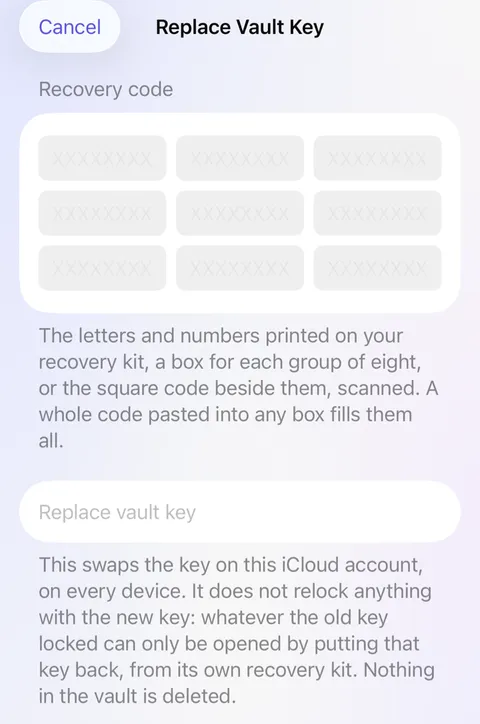
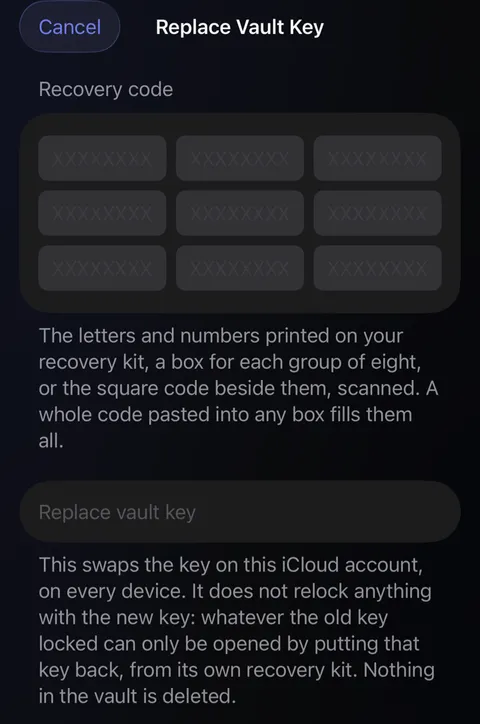
- The Replace Vault Key screen opens, with nine empty boxes. Type each group of eight from your kit into its own box; the next box is ready as soon as one fills. Or tap Scan the printed code and hold your phone over the square code on the kit.
- Under Check, Didji tells you which key the code is for, beside the one in use now, and whether they're the same. On a new device with no key yet, it says so instead.
- Tap Replace vault key (or Put this key back, when it's the key already in use or the device has no key yet), then Replace key and lock vault. On a device with no key yet, that button reads Put this key back too.
- Didji locks. Unlock it again, and everything the key opens is back.
Good to know
- A character typed wrongly is caught straight away: the check says the code doesn't add up. Compare it with your kit.
- A kit needs iCloud to bring the key back, so be online. Where iCloud can't help, a kit still opens a backup made while it was in use: in a vault, Settings, then Backups, then Restore from backup; on a new device with no vault yet, Set up my own vault, then I already use Didji, then I have a backup to restore. There Didji asks iCloud about the code first. If it says iCloud can't be reached, go online and try again. Only if you've never used Didji on this Apple Account, you can make a new vault first and restore the backup from its Settings; never where your vault is already on another of your devices, since that makes a second vault. A device with no Apple Account at all is never stopped there.
- The key changes on every device signed in to your Apple Account. Nothing in the vault is deleted.
- A banner saying records need a different vault key is put right with that key's kit without replacing anything: tap Use another recovery kit… on the banner, and those records are locked again with the key in use.
- Keep the kit for any key you replace. Anything locked with the old key only opens again with it.
See also
Still stuck?
Write to us at hello@didji.app, and tell us which device you’re using if you can.
Never send a password or your recovery code to anybody, us included. What we can’t do for you.