Help
Vaults in Didji


One vault, sorted three ways at once. Nothing has to live in only one box.
Many password apps keep records in separate containers: vaults, folders or collections, each record in one of them. Didji keeps one vault, and lets every record carry three things at once: who it Belongs to, the category it sits in, and as many tags as you like. So you can keep things just as separate as before, and a record can sit in more than one place at a time.
Here's how to keep work things apart from the rest.
- Add your employer, once: open People & Places and tap Add new organisation on the Key organisations card. Type its name, set What it is to you to Employer and tap Save.
- Open a work login and tap the pencil at the top.
- Near the top, tap Belongs to and tick your employer. Tap the back arrow, then Save.
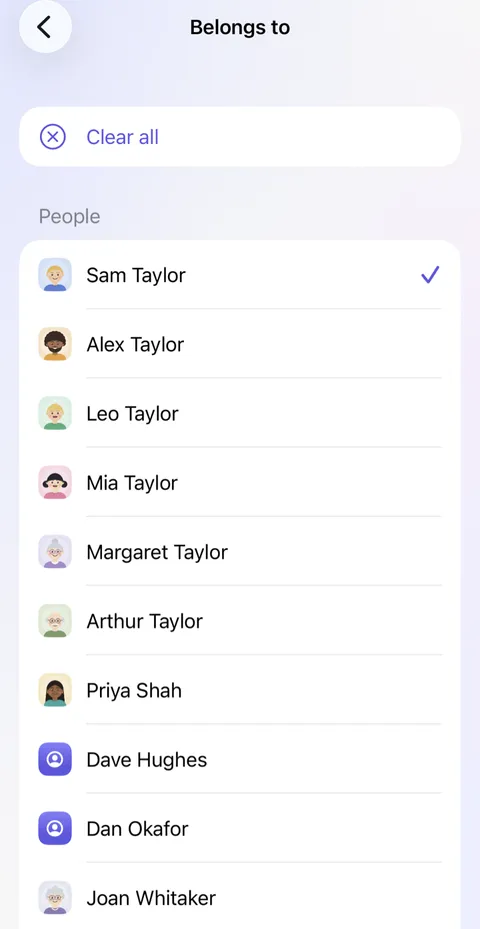
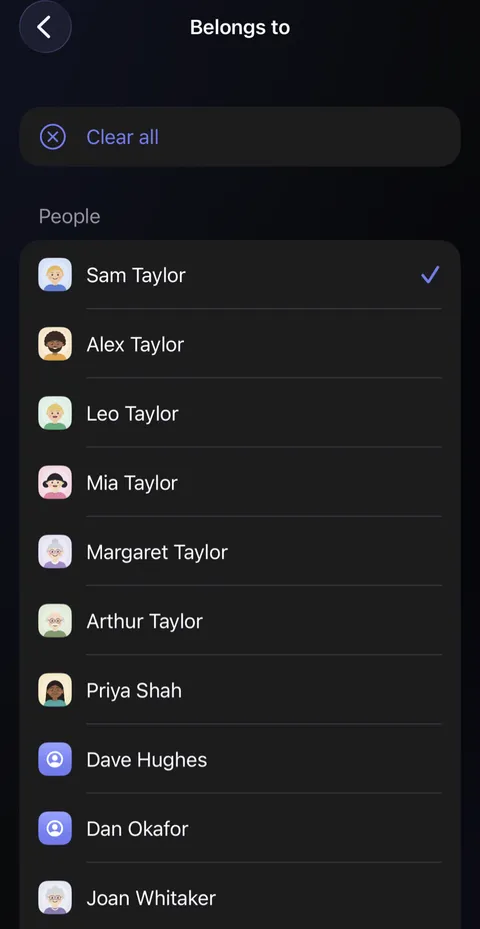
- Everything you tick it on gathers on the employer's page in People & Places, and when you leave, one list goes through what to keep.
- To see it in your list, use the three small round buttons above it: for a category, for whoever or whatever it belongs to, and for a tag. They combine.
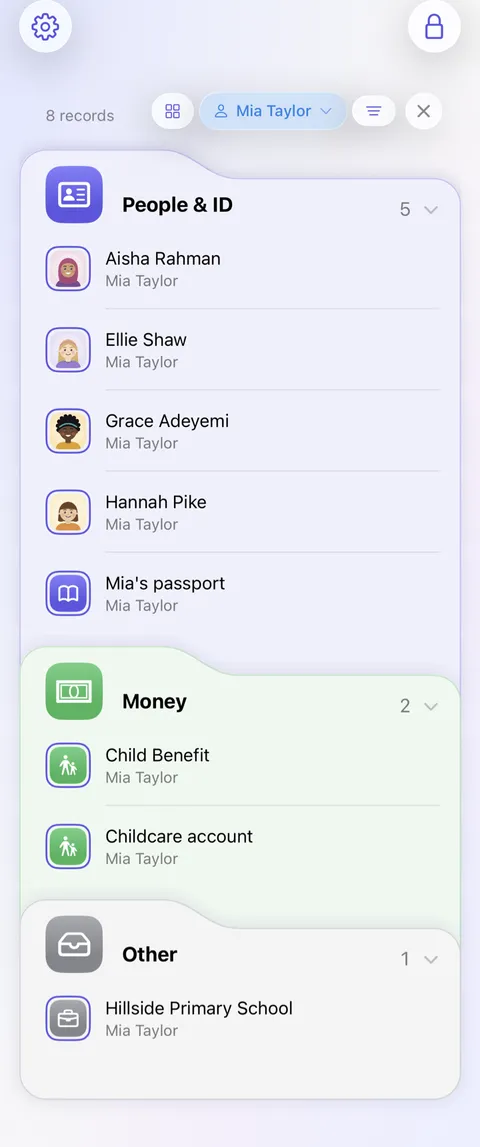
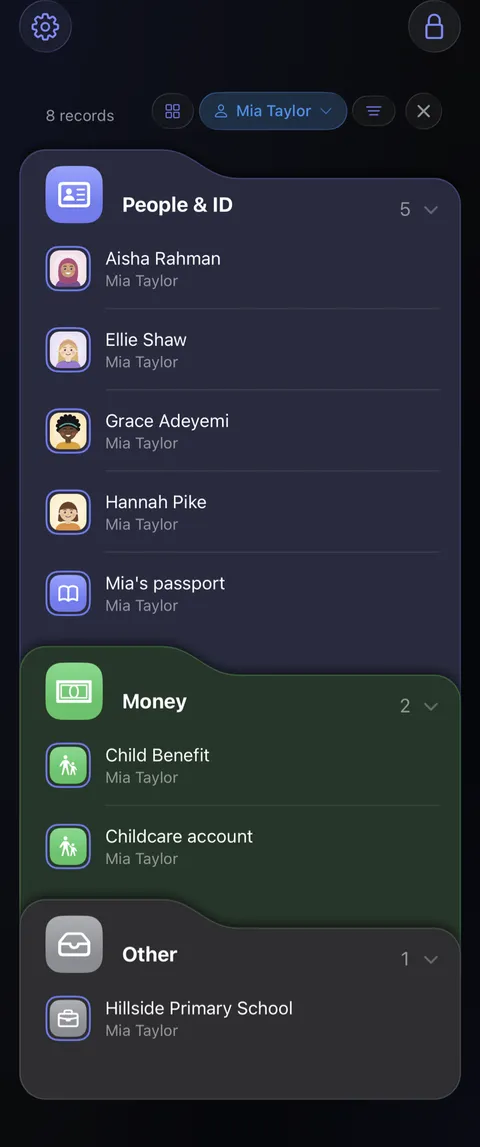
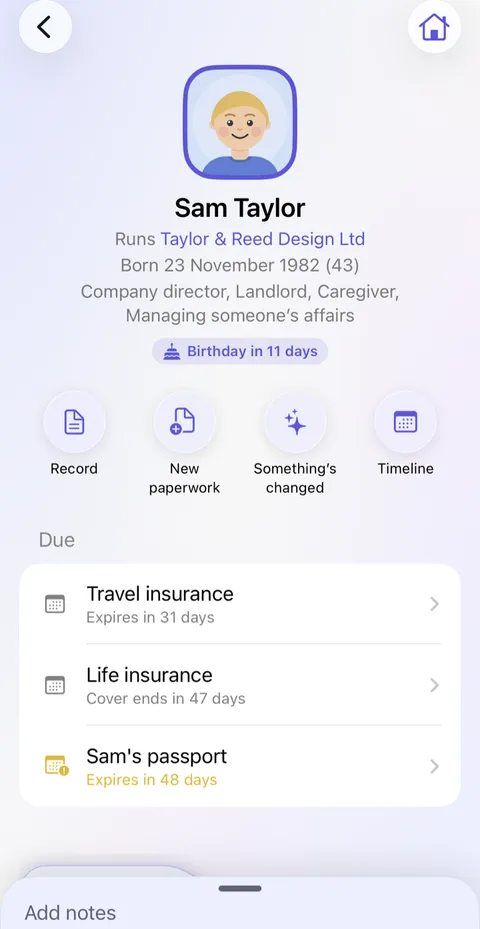
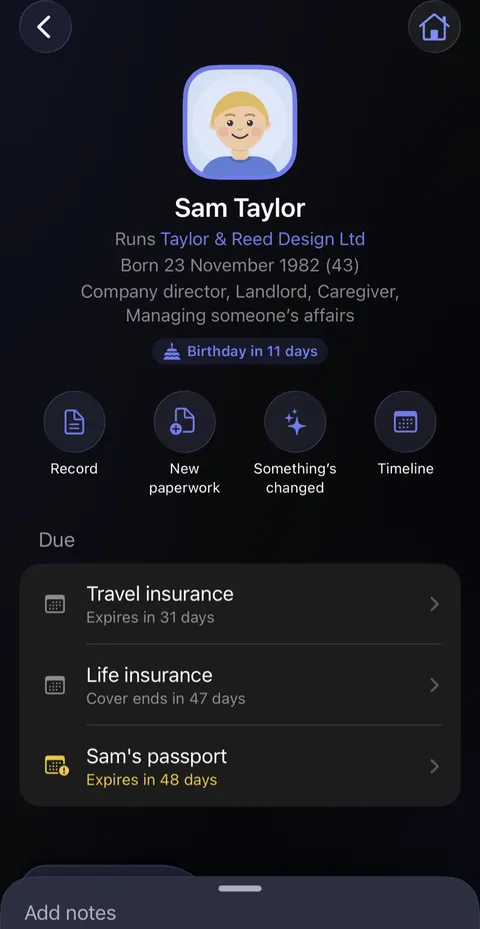
- Or open someone's page in People & Places: everything that belongs to them is there, with what's due.
Good to know
- A joint account can belong to two people at once, and shows on both their pages.
- Belonging to someone never shares it with them. To let someone else see a record in their own Didji, share it with them; see Sharing with someone.
- A shared vault in another app becomes sharing chosen records with people you've connected. Only you change what you share.
- A category of your own, such as Work, still works: tap the cog , then Categories under Customisation, then Add category.
- Brought across by file, Bitwarden's and LastPass's folders arrive as tags. 1Password's vaults don't come across, so tag each item with its vault's name in 1Password before you move, if you'd like to keep them apart.
See also
Still stuck?
Write to us at hello@didji.app, and tell us which device you’re using if you can.
Never send a password or your recovery code to anybody, us included. What we can’t do for you.