Help
What belongs to whom


Say whose something is, and I'll put it on their page.
Any record can belong to one or more people, pets, places or vehicles. It then shows on each of their pages, and the reminders for it count towards them.
- Open the record, and tap the pencil at the top.
- Near the top of the editor, tap Belongs to. It says None until you choose.
- Tick everyone and everything it belongs to, as many as you like. Each is grouped under People, Pets, Places, Vehicles, Organisations and Things, with their faces.
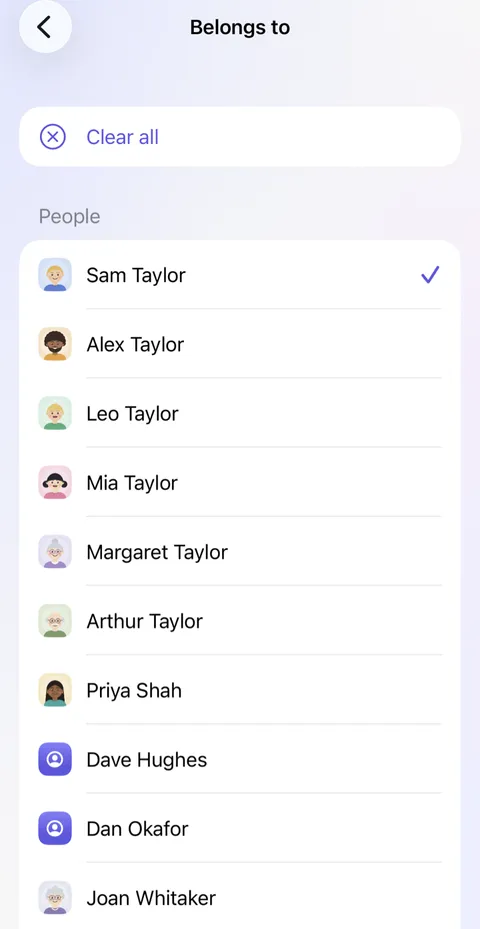
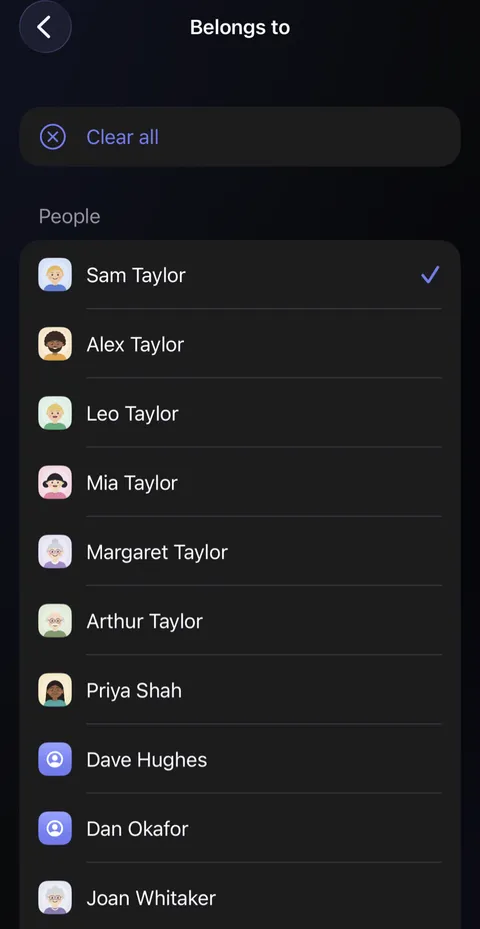
- Tap the back arrow, then Save.
Mia’s passport
A short cartoon film of the Taylors’ hall. Mia runs in from school with a letter about a trip to France, and the form asks for her passport number. Nobody knows it, and the drawer of papers spills everywhere. Sam opens Didji on her phone: People & Places, Mia’s page, and Mia’s passport, where she shows the number. Sam writes it on the form, the form gets a tick, and Mia skips off upstairs with it. The film ends on Didji’s icon and name.
What’s said
- The school needs it by Friday.
- Nobody knows it by heart.
- Didji keeps it with Mia.
- Everyone’s documents, with the person they belong to.
Good to know
- A record with None here counts as yours, so there's no need to mark your own.
- A joint account can belong to two people, and shows on both their pages. A person's own record can belong to where they live and to an organisation, such as a school or a workplace, all at once: they show on the place's page under Lives here and on the organisation's under People here.
- Add person or Add pet, at the foot of each group, makes someone new and ticks them.
- On a record, the names under Belongs to are links: tap one to open their page.
See also
Still stuck?
Write to us at hello@didji.app, and tell us which device you’re using if you can.
Never send a password or your recovery code to anybody, us included. What we can’t do for you.