Help
Copying, and the clipboard afterwards


One tap copies. And I tidy the clipboard up afterwards, so nothing's left lying around.
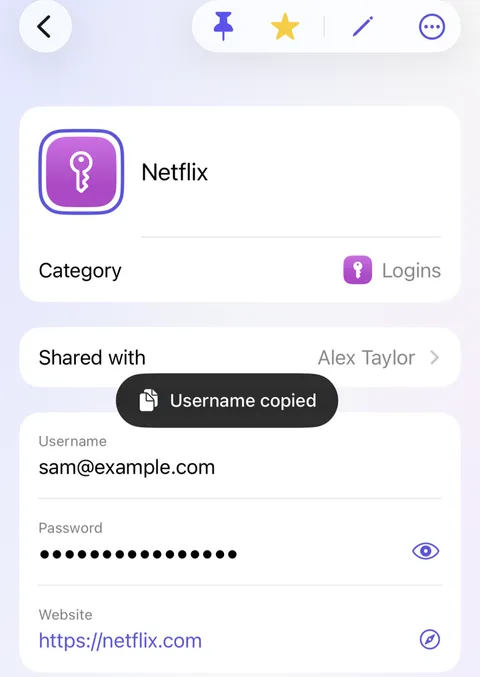
Copying from Didji is a single tap on the value you want, even a hidden one. Didji never shows a hidden value just to copy it, and takes it off the clipboard again soon afterwards.
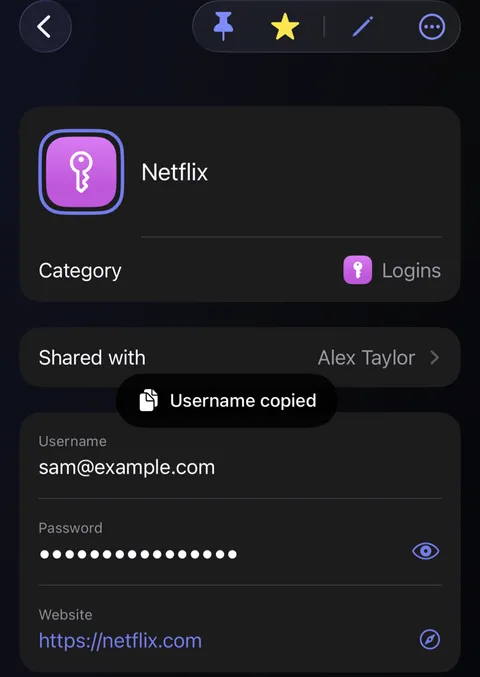
- Open the record, and tap the value you want: a username, a password, a number.
- A small note appears for a moment to say what was copied, such as "Username copied." Hidden values stay hidden.
- Paste it wherever you need it.
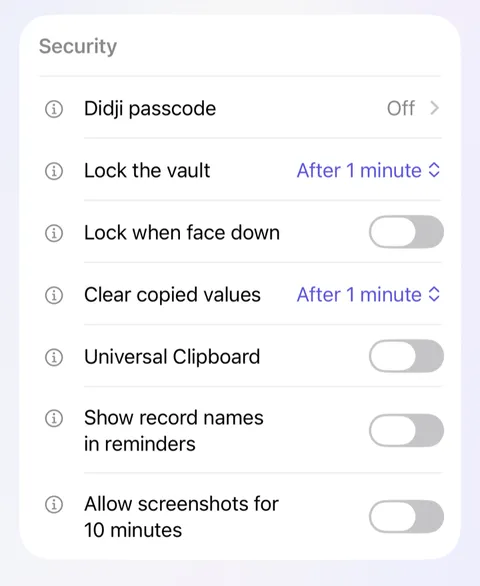
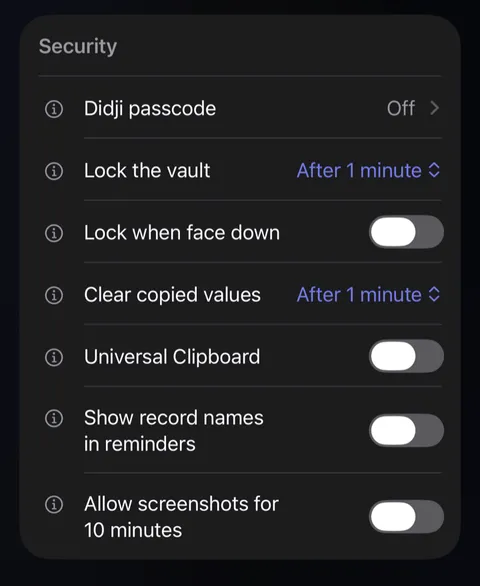
- A minute later, Didji clears it from the clipboard, pasted or not. A password or other hidden value is also cleared the moment Didji locks, unless you've copied something else since. To change how long, open Settings and look under Security for Clear copied values: from 30 seconds to 5 minutes.
Good to know
- Universal Clipboard, in the same card, is off, so what you copy stays on this device. Turn it on and your Mac or iPad can paste it too.
- Touch and hold a value to see it in large type, for reading out or typing into something else.
- To put a value straight into a box in another app, with nothing on the clipboard at all, see Putting any value into any box.
See also
Still stuck?
Write to us at hello@didji.app, and tell us which device you’re using if you can.
Never send a password or your recovery code to anybody, us included. What we can’t do for you.