Help
Where your key lives


No master password to forget. The key is kept safe for you.
In Didji: Settings, then Devices & data, then Recovery kit & vault key
Many password apps make you invent and remember a master password. Didji doesn't. Its key is made for you on your first device and kept safely in your iCloud Keychain.
- Your iCloud Keychain carries the key to your other devices, signed in to the same Apple Account, and nowhere else.
- Each key has a Key ID, twelve letters and numbers, so you can tell keys apart. It's shown on the kit's card at the top of Recovery kit & vault key, in Settings under Devices & data. Your printed kit has a Kit ID of its own, shown on the same card.
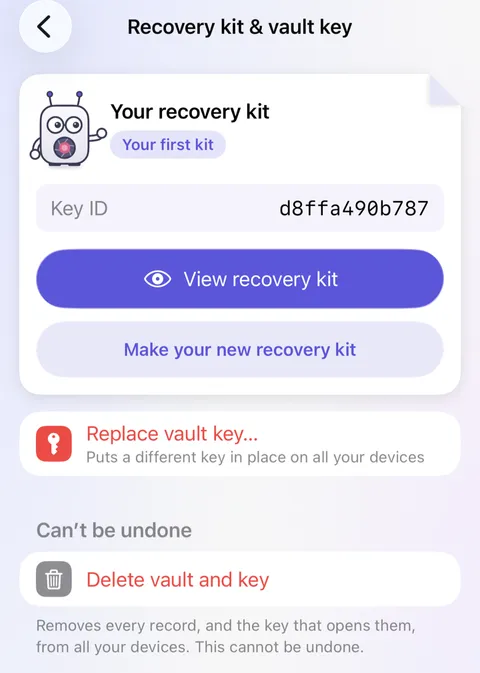
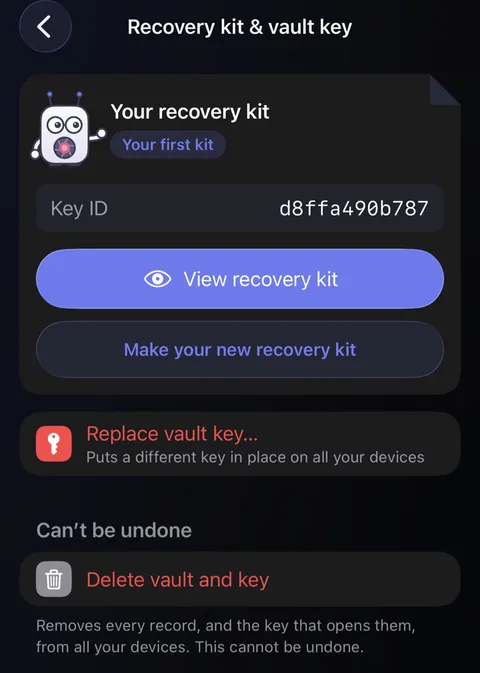
- Your recovery kit holds a key of its own, which opens a copy of your vault's key kept in iCloud and in each backup. With it, your vault can be opened on a new device even if iCloud Keychain can't help; see Using my recovery kit.
Good to know
- Replace vault key… swaps the key on every device. It doesn't lock anything again with the new key. Delete vault and key, at the foot of the same screen, removes every record, every photograph and the key itself from all your devices (any records here locked with another key stay), ends your sharing, and can't be undone. Backups you saved stay where you saved them, and each still opens with the recovery kit you had when you made it; that kit opens nothing else afterwards.
- A backup opens with your vault's key, or with the recovery kit you had when it was made.
- You can add a Didji passcode if you like, in Settings under Security. It's a lock on the door, not the key: forget it, and your recovery kit's code lets you back in, once the device is online.
See also
Still stuck?
Write to us at hello@didji.app, and tell us which device you’re using if you can.
Never send a password or your recovery code to anybody, us included. What we can’t do for you.