Help
Home, and other addresses


Name an address once, and things can belong to it: the alarm code, the furnace, the key safe.
A place is an address with a name, such as "Home" or "Mom's house." Things that belong to a house rather than a person, like the Wi-Fi, the furnace service or the property tax, can belong to it, and its page gathers them. Where people live there, it gathers them too, so a home reads as a household.
- In People & Places, tap Add new place on the Places card. (Or tap Place at the top of the New sheet.)
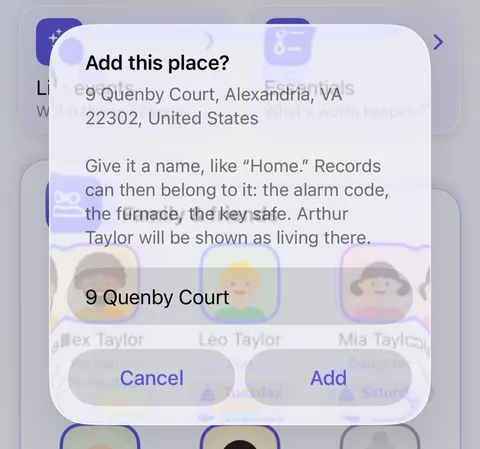
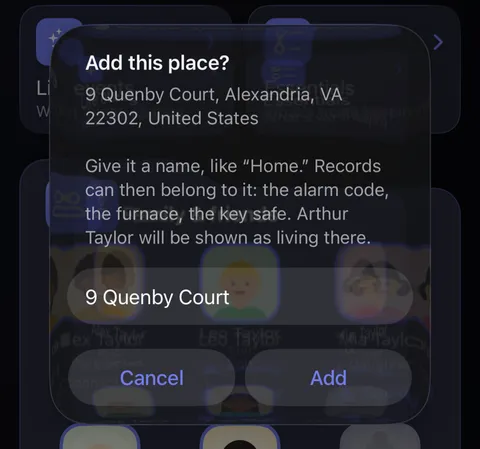
- Add a place lists the addresses Didji already holds, yours first. Tap one, and Didji asks for a name; type one such as "Home," and tap Add.
- The place is now in People & Places, under Places. Its page shows the address and everything that belongs to it.
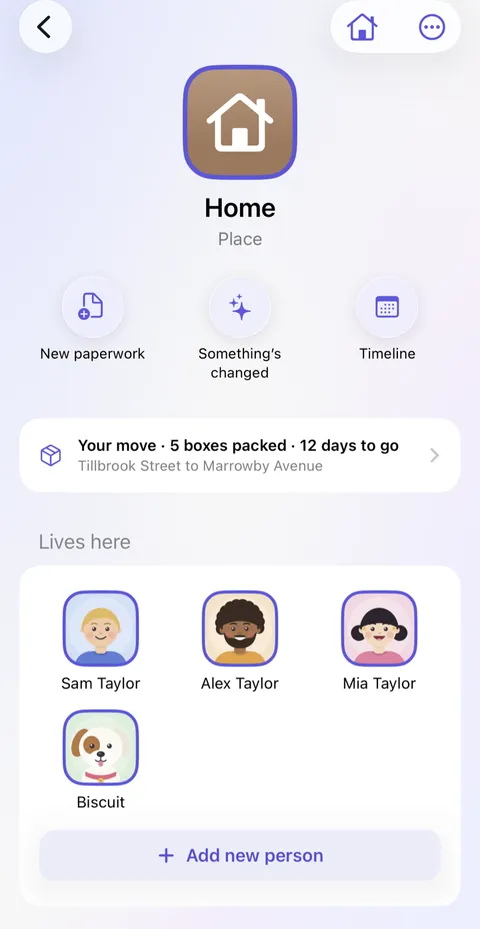
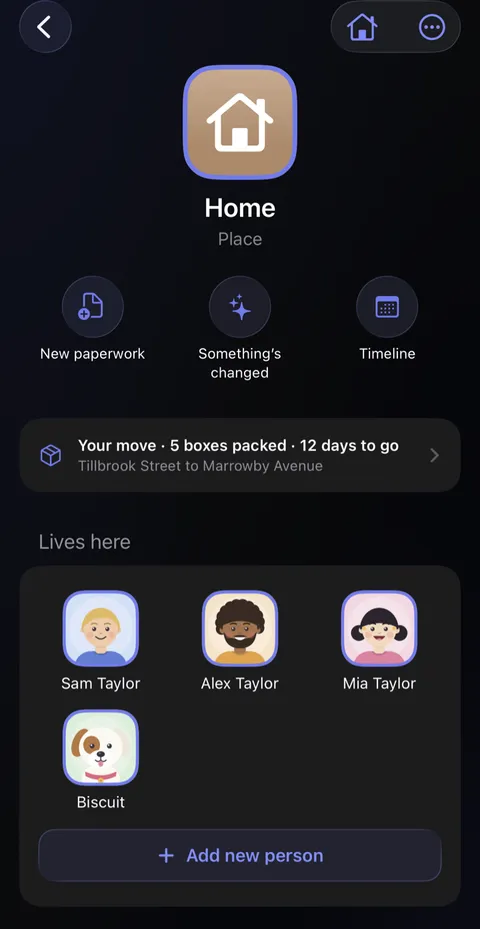
- To say who lives there, tap the plus under Lives here, then tick them or tap Add someone new. Their faces then show under the place in People & Places.
Good to know
- A place or an organization? If it has a door you might need the code for, it's a place. If it has a number you call, it's an organization. A doctor's office has an address but is an organization; Mom's cottage has no number to call but is a place.
- A person's page can ask too, under Add for: Lives at Home where their address is a place, or Where Sam lives where it isn't one yet. Tap it for yes, or touch and hold it and tap Doesn't apply.
- An address that isn't in Didji yet can't be chosen: add it to a record first (your own record is a good start).
- A place's address never changes. When you move, the new address becomes a new place, and the old one is kept as somewhere you've moved out of; see Life events.
- A place can have a photo of its own: open its page, tap , then Change icon.
See also
Still stuck?
Write to us at hello@didji.app, and tell us which device you’re using if you can.
Never send a password or your recovery code to anybody, us included. What we can’t do for you.