Help
Changing an address, a number or an email


Change it out there first, and I'll change it in here as you go. No rush.
A new email address, phone number, surname or home address turns up in dozens of places: banks, doctors, websites, insurance. Didji finds every record that holds the old one, and keeps a list for you while you work through them, one at a time, as each place out there is told.
- On any record, tap ⋯ at the top right, then I'm changing this everywhere, and choose the old value, such as your email address.
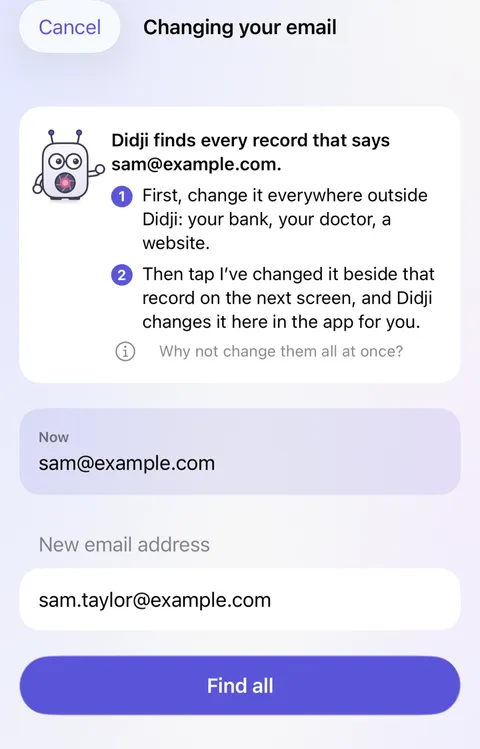
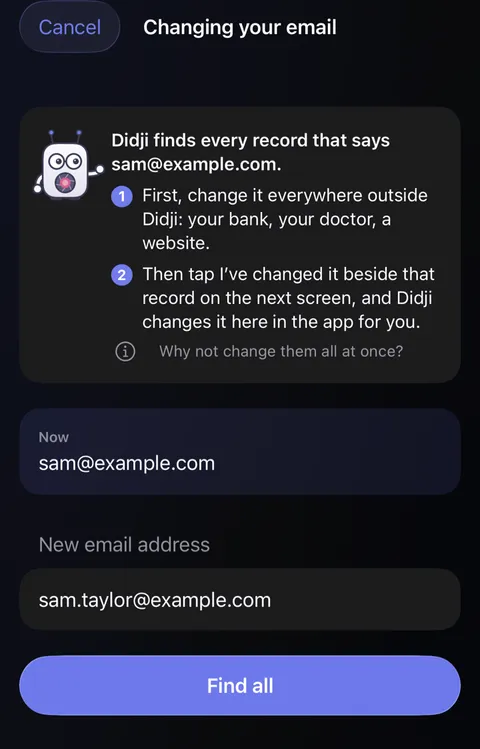
- A sheet opens with what it says Now. Type the new value beneath, and tap Find all.
- The list shows the old value struck through above the new, how many records are left, and every record Ready to update.
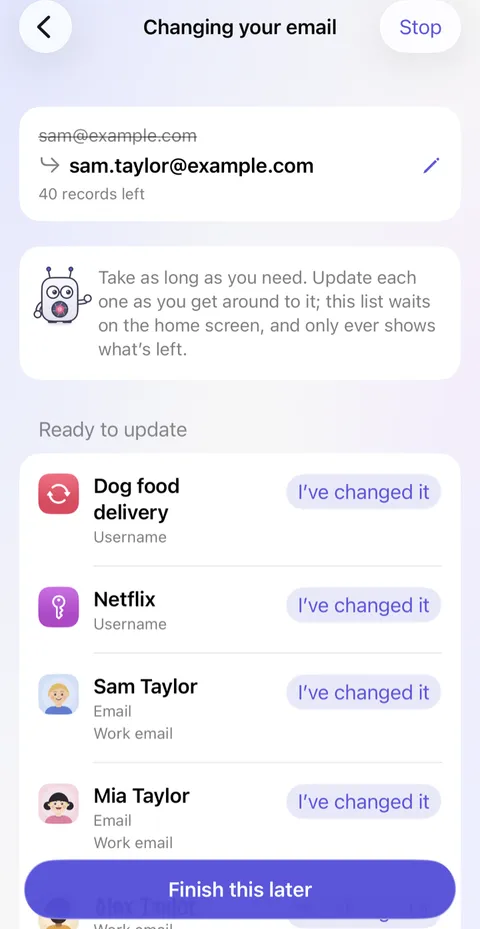
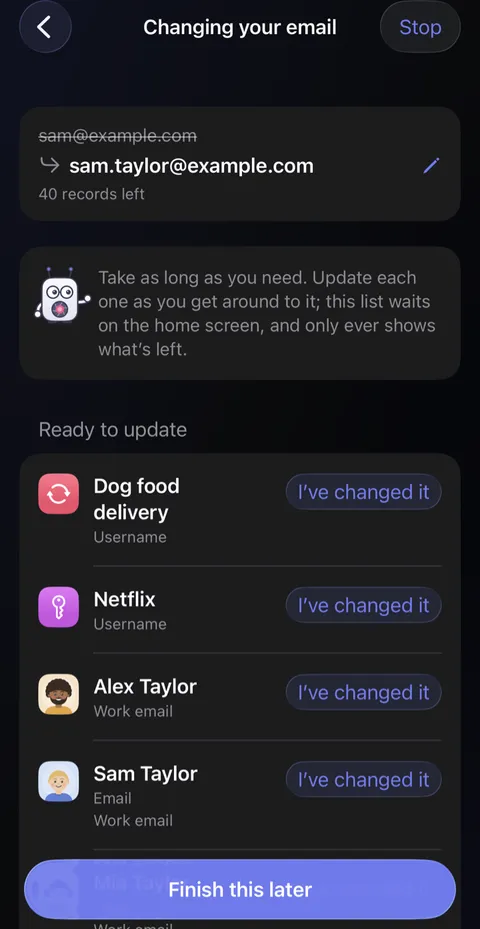
- Each time you've told a bank, a doctor or a website, tap I've changed it beside that record, and Didji updates it here.
- Tap Finish this later to stop for now. The list waits on the home screen, showing only what's left.
Good to know
- Didji never changes them all at once. Your vault should say what the bank says, not get ahead of it.
- Under Check these yourself are records Didji won't change alone, such as a name shared by two people; Edit or Leave it.
- Each update can be undone right away.
- Life events start the same list for a whole move, a new job or a change of name; see Life events.
See also
Still stuck?
Write to us at hello@didji.app, and tell us which device you’re using if you can.
Never send a password or your recovery code to anybody, us included. What we can’t do for you.