Help
Adding the paperwork, one person at a time


No rush. A drawer at a time, or whenever a letter turns up.
In Didji: A person's page: New paperwork, and Add for near the foot
This part never quite ends, and it doesn't need to. Add things as they turn up: the passport you've just renewed, the insurance letter in today's mail. Start from somebody's page, and each record belongs to them from the moment it's made.
- Open People & Places, and tap a face. Their page opens.
- Near the foot of the page, Add for and their name lists what people like them usually keep, each with a . Tap one, and its form opens with Belongs to already filled in.
- Fill in what you know, and tap Save at the top right. Only a title is needed. To keep a scan or a photo in the record, see Keeping a scan or a photograph inside a record.
- For anything not listed, tap the round New paperwork button under their name. What suits them comes first under Suggested, then everything else by category.
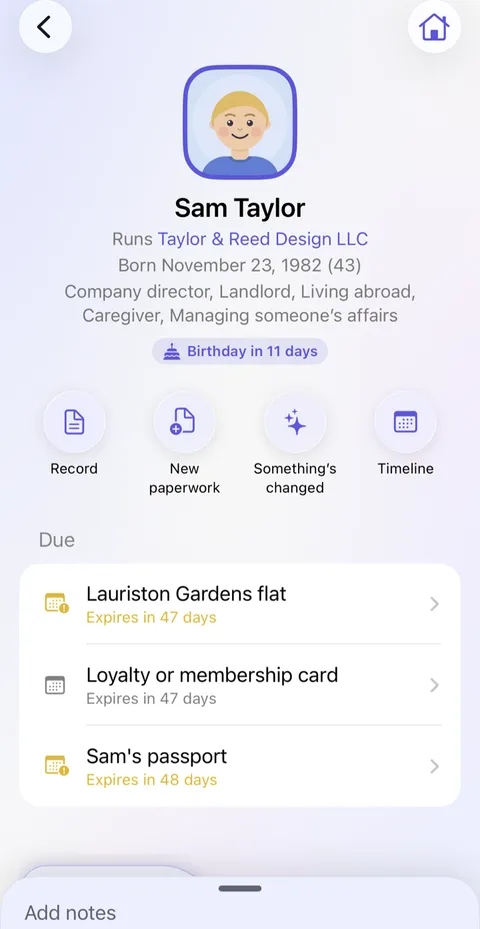
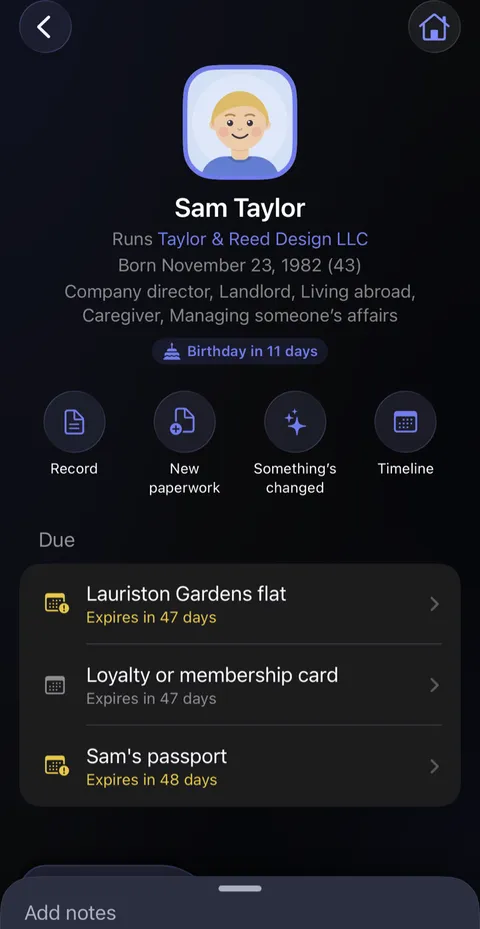
- If something under Add for doesn't apply, or came across from another app, touch and hold it to say so.
- When you'd like to see what's missing across everybody, open Essentials near the top of People & Places: Essentials.
Good to know
- Nothing has to be filled in today.
- For things that belong to a home or a car, open that page instead: each has its own Add for.
Next: Your recovery kit
See also
Checked against Didji on October 30, 2026.
Still stuck?
Write to us at hello@didji.app, and tell us which device you’re using if you can.
Never send a password or your recovery code to anybody, us included. What we can’t do for you.