Help
I can't find something I saved


Don't worry, it's very likely still here. Let's look in the quieter corners.
Something you're sure you saved isn't where you expected. Nearly always it's hidden by a filter, tucked in the archive, or waiting in Recently Deleted. Here's where to look, in order.
- Look at the buttons just above your list. If one shows a name, a category, a tag or Recently added, such as "Mia Taylor," the list is showing only those. Tap the at the right to clear every filter.
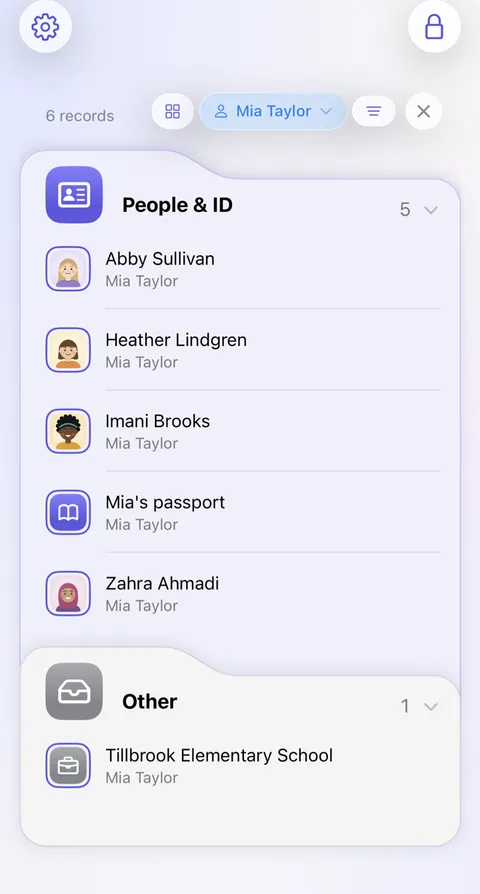
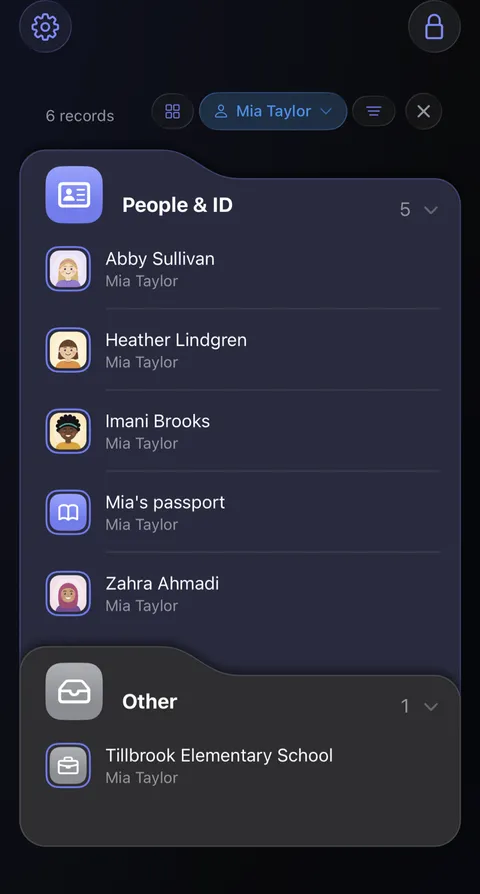
- Search for it: type the record's title or its website into Search vault, at the foot of the home screen. Search finds titles, notes, tags and anything that isn't hidden, such as usernames and websites, plus the words in your documents. It never looks at hidden values such as passwords.
- Scroll to the very bottom of the home screen. Archive holds what was archived, and Recently Deleted what was deleted in the last 30 days.
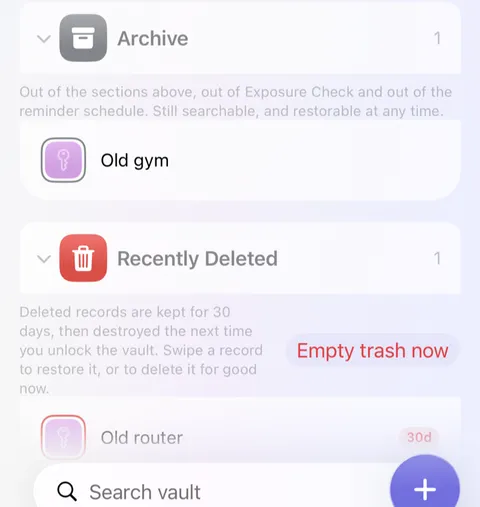
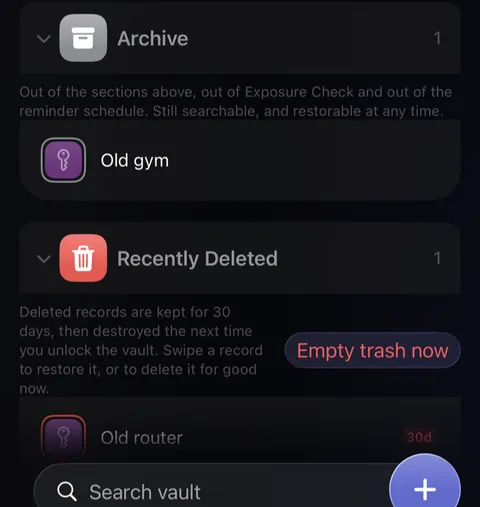
- Found it in Recently Deleted? Swipe it to the right and tap Put back.
Good to know
- A record changed by mistake can be put back from its History; see Earlier versions of a record.
- On another device it might not have arrived yet; see Something hasn't appeared on my other device.
See also
Still stuck?
Write to us at hello@didji.app, and tell us which device you’re using if you can.
Never send a password or your recovery code to anybody, us included. What we can’t do for you.