Help
What Didji is, in a minute


Hello! I look after your passwords and your paperwork, and only you can open me.
Didji keeps the things a life runs on in one calm place: passwords and logins, bank cards, documents, and the paperwork of the people, pets, homes and cars you look after. Everything is locked on your own devices before it's stored, and kept in step through your own iCloud. There's no Didji account and no Didji server, so only you can open it.
- Everything starts on the home screen. Cards along the top keep watch for you: Due soon for dates coming up, Exposure Check for passwords that need attention, and anything you've pinned.
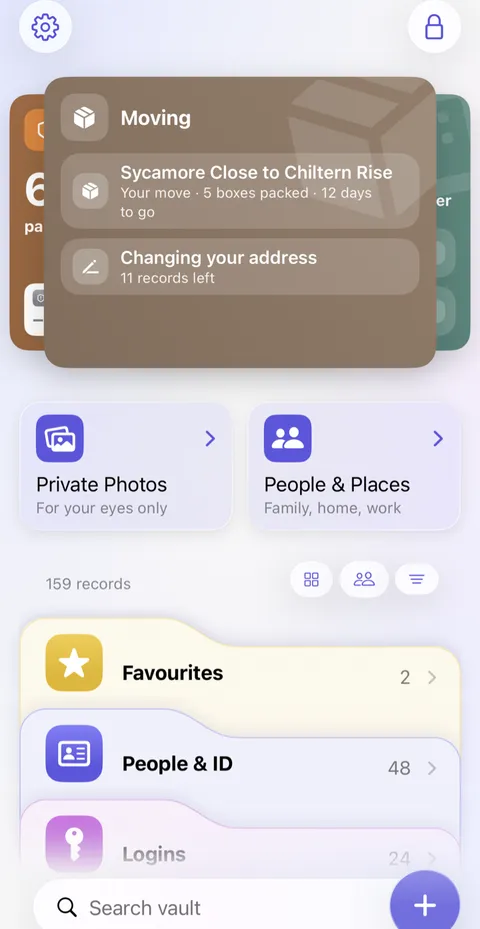
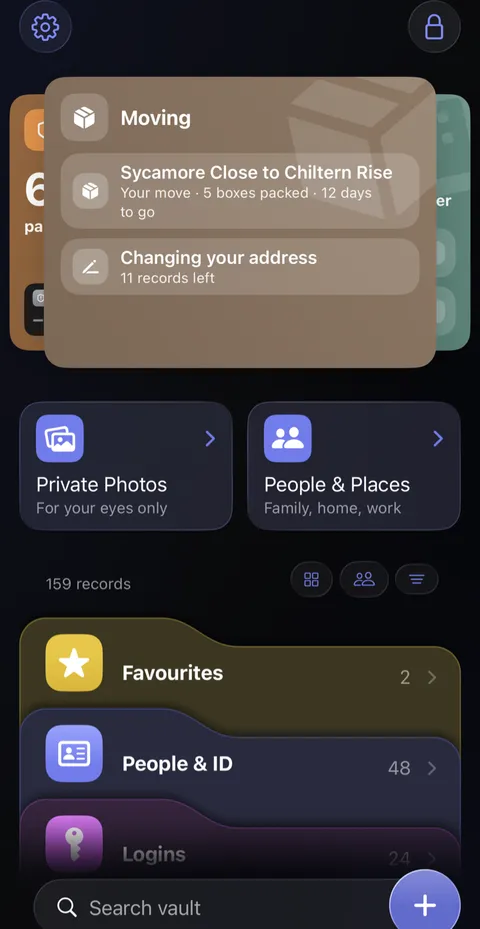
- Below them, your records are grouped in coloured categories: People & ID, Logins, Money and so on. Tap a category to open it, and a record to see it.
- To add something, tap the round at the bottom right and choose a template, such as a passport, a car or a bank account. You only fill in the blanks.
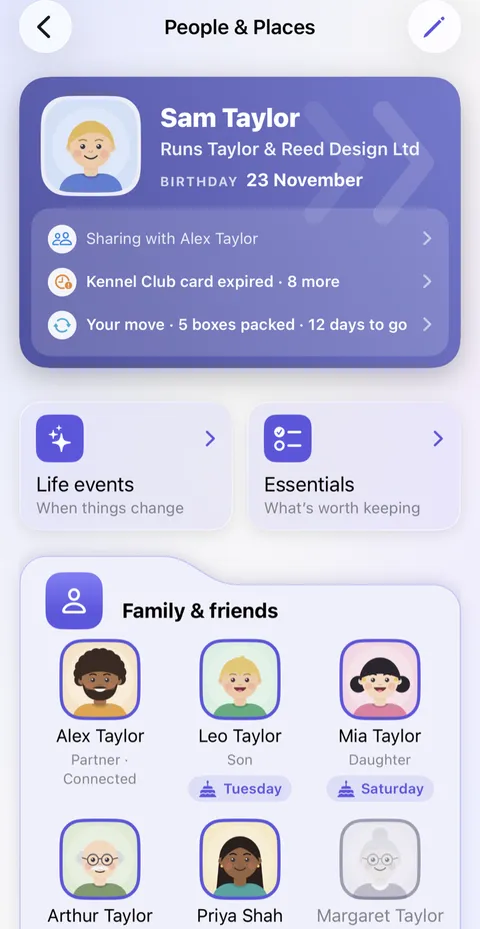
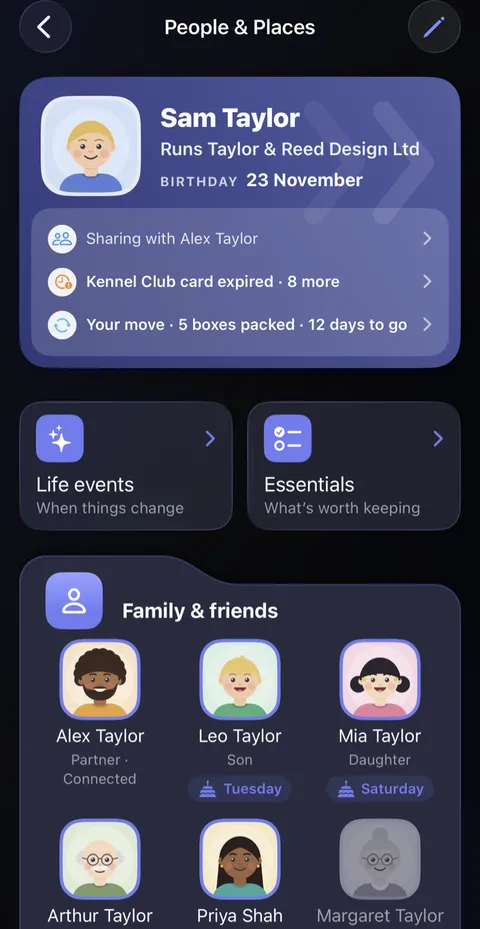
- People & Places gathers what belongs to whom: each person, pet, home and car, with their paperwork and what's coming up for them.
- Search vault, at the foot of the home screen, finds anything, even words inside your scanned documents.
Good to know
- Didji fills in passwords for you on websites and in apps, once you've switched it on: Filling in passwords for you.
- If Didji Studios disappeared tomorrow, Didji would keep working on your devices, and you could still export your records to another password manager or a spreadsheet.
- Your recovery kit is the one way back in that doesn't need a device you still have. Print it early: Your recovery kit.
- Didji makes a few small sounds, such as a chirp as your vault opens. A few of them vary a little each time, so Didji never sounds like a recording. They stay quiet in Silent mode, and play at the volume for alerts in your device's own Settings app: Alerts and System Sounds, under Sounds & Haptics on an iPhone and Sounds on an iPad (Ringtone and Alerts on iOS 26). Didji's voice in Settings, under Customisation, turns them off on this device.
Next: The best way to set up Didji
See also
Still stuck?
Write to us at hello@didji.app, and tell us which device you’re using if you can.
Never send a password or your recovery code to anybody, us included. What we can’t do for you.