Help
Something renewed


Renewed something? Tell me the new date, and I'll keep the old one in its history.
In Didji: A record's menu, or Due soon
When a passport, an MOT or an insurance policy is renewed, the date moves on and sometimes the number changes. I've renewed this puts in what's new in one go, without opening the editor.
- Open the record, tap at the top right, then I've renewed this. For a payment card it says I have a new card.
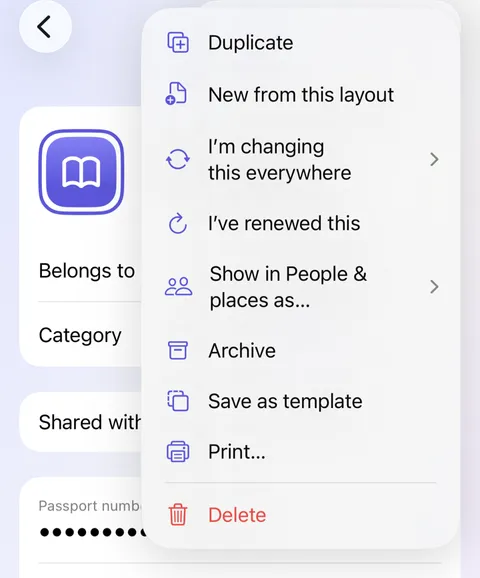
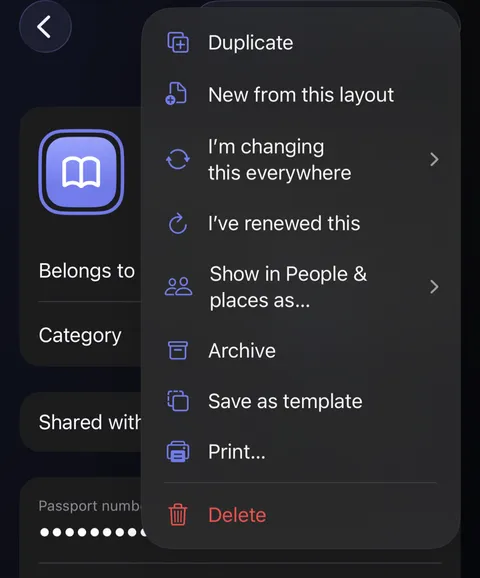
- A short sheet asks for what's new. Tap Set the new date and choose it; the old one is shown beneath as Was.
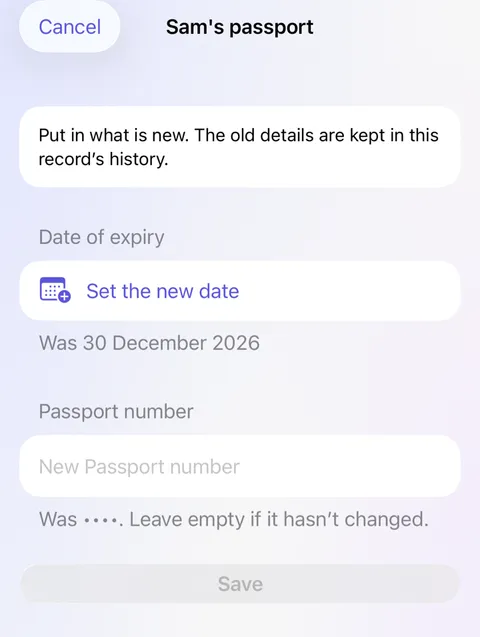
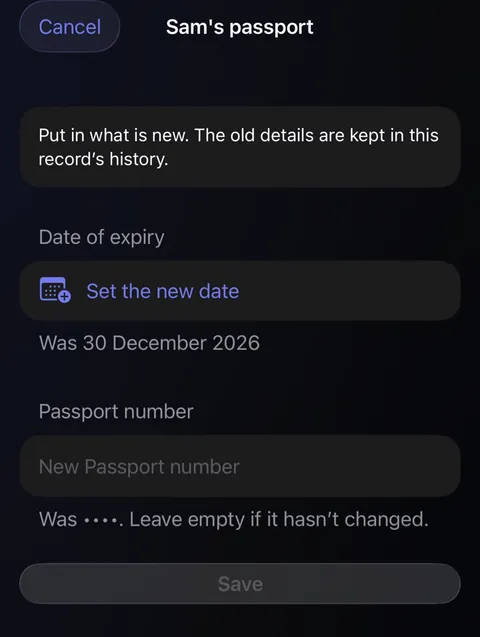
- Type the new number if it has one. Leave it empty if it hasn't changed.
- Tap Save. The reminder moves on to the new date.
Good to know
- In Due soon, swipe a record to the left and tap Renewed, or touch and hold it, for the same sheet.
- The old date and number are kept in the record's history, never lost.
- A new bank card is also a life event, which lists everything that used the old card; see Life events.
See also
Still stuck?
Write to us at hello@didji.app, and tell us which device you’re using if you can.
Never send a password or your recovery code to anybody, us included. What we can’t do for you.