Help
Passkeys


A passkey is a key only the right website can use. Nothing to type, nothing to steal.
A passkey lets you sign in to a website without a password. It only works on the site it was made for, so it can't be typed into a fake site or caught in a data breach.
Websites make passkeys themselves. When a site offers to create one, and Didji is your AutoFill app, iOS asks where to save it: choose Didji and confirm it's you with Face ID. It's kept with that site's login.
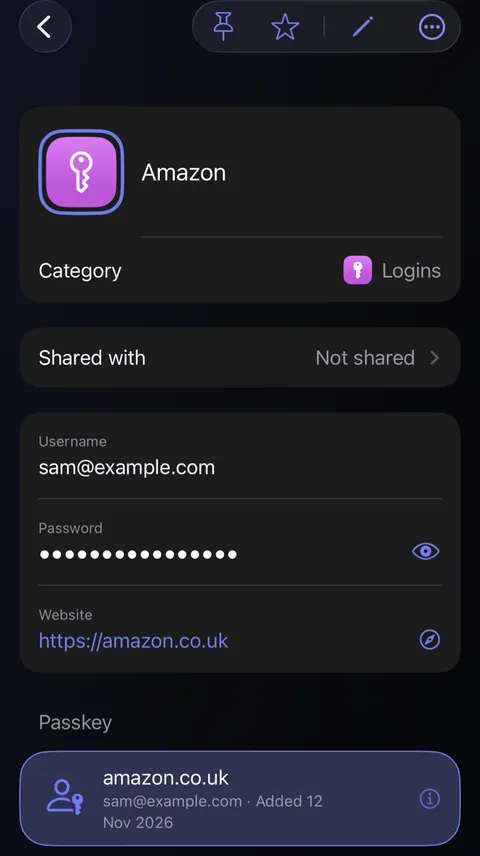
Open the login, and the passkey is listed in a card of its own under its fields, with the website it's for and when it was added.
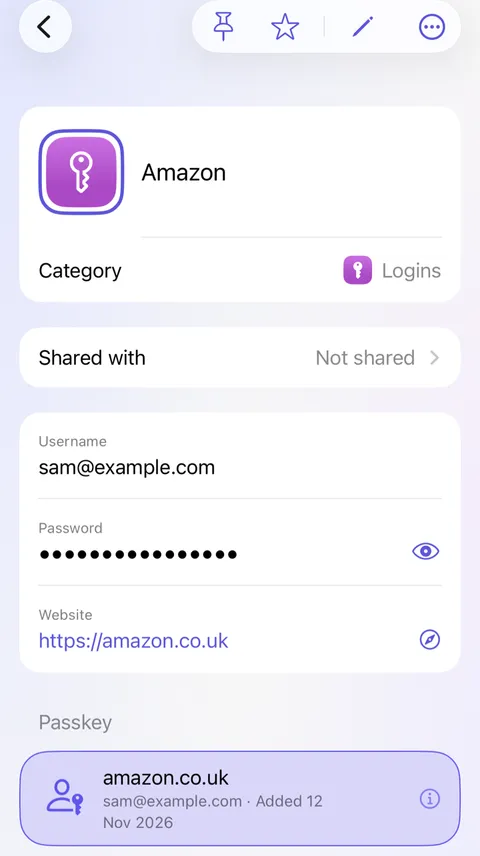
Next time you sign in, choose the passkey, look at your phone, and you're in.
Good to know
- To delete a passkey, swipe it to the left on the login's screen, tap Delete, then Delete Passkey. That can't be undone, so remove it on the website too, or the site will still expect it.
- Passkeys come across when you move from Apple Passwords, Google, 1Password, Bitwarden or Dashlane.
- With Keep website information up to date switched on in Settings, under Privacy, Exposure Check lists sites where you could use a passkey instead of a password.
See also
Still stuck?
Write to us at hello@didji.app, and tell us which device you’re using if you can.
Never send a password or your recovery code to anybody, us included. What we can’t do for you.