Help
Linking one record to another


Point one record at another: the MOT at its car, the policy at its bank. Then I can take you between them.
A link is a field that points at another record in your vault. Tap it, and Didji opens that record. It's handy for paperwork that belongs to something else, like an MOT certificate and the car it's for.
- Open the record that should point somewhere, and tap the pencil at the top. The editor opens.
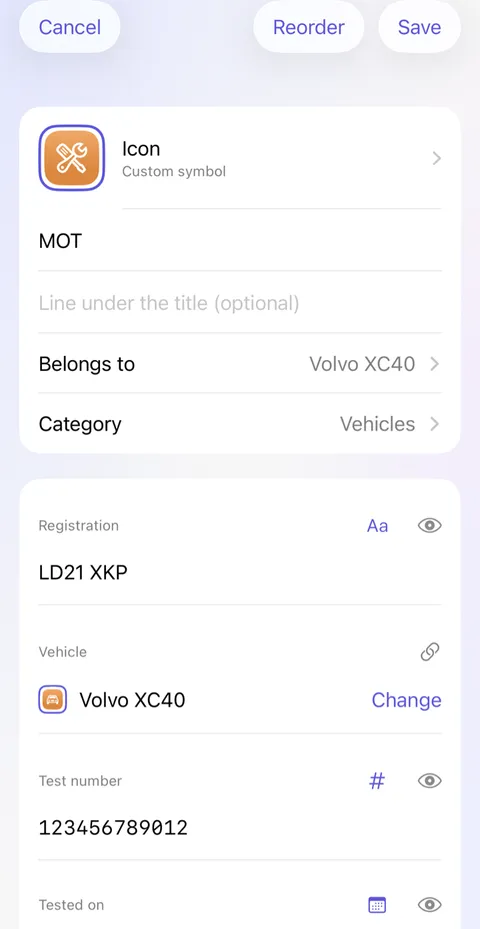
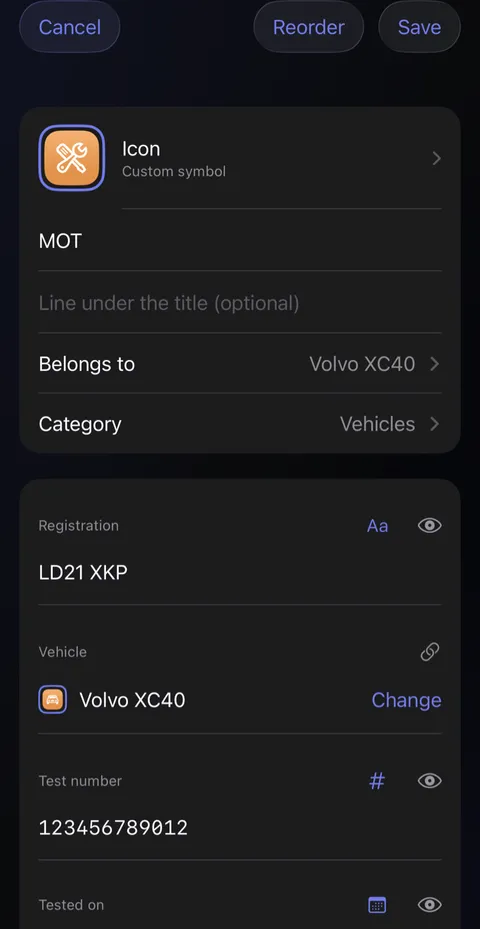
- Scroll down to the end of the fields and tap Add field. A sheet of field types slides up.
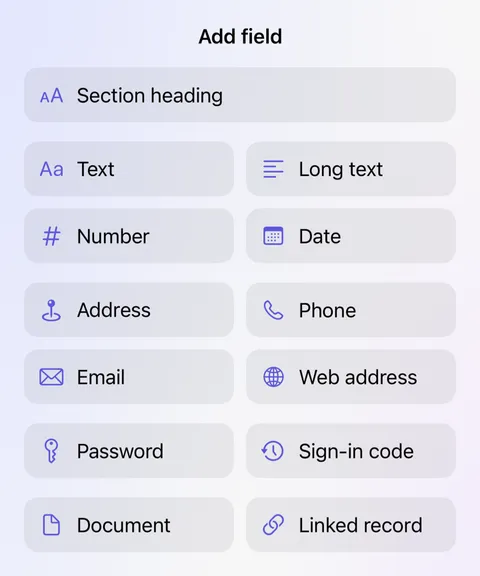
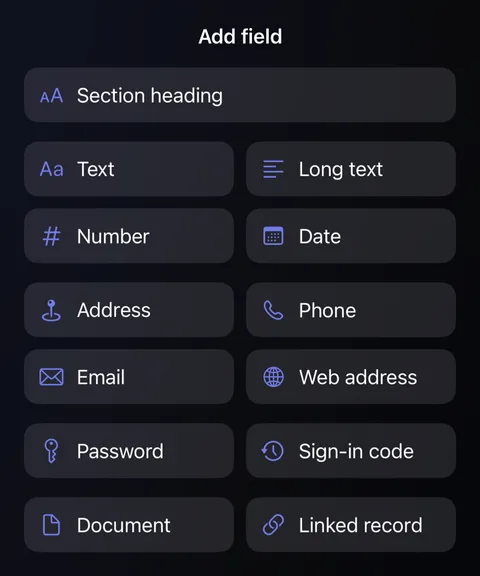
- Tap Linked record, and choose the other record from the list.
- The new field has no name yet. Type one above it, under Name this field, such as "Insurance" (left blank, it's called Linked record), then tap Save at the top right.
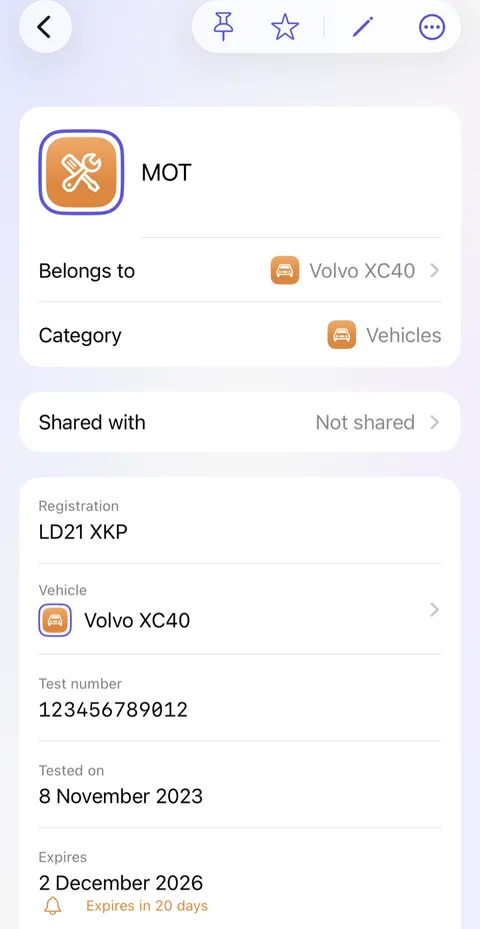
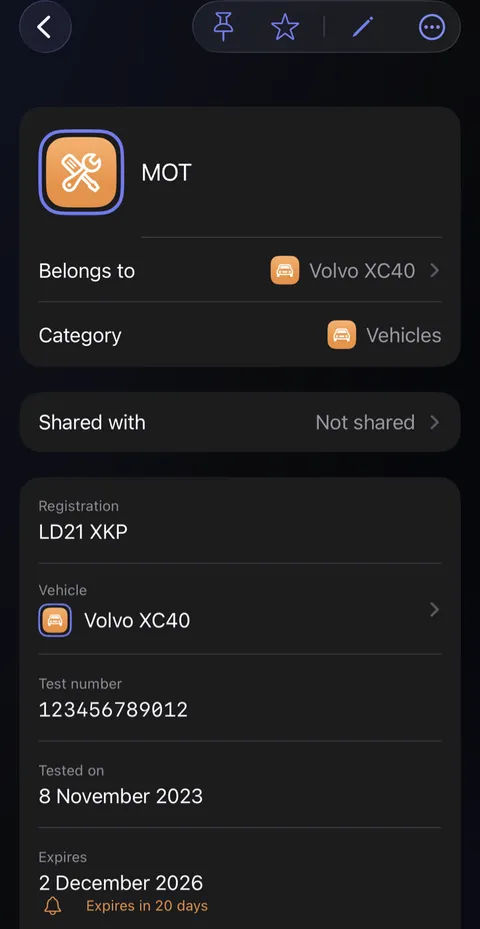
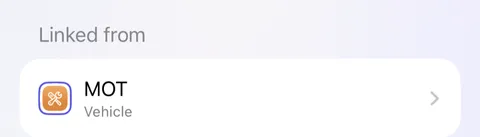
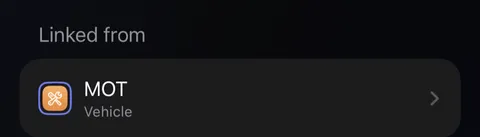
- Open the other record and scroll to the end of its fields. A card called Linked from shows the link from that side too, so you can go either way.
Who’s our plumber?
A short cartoon film of a cold morning. The boiler stops, and Alex shivers in a cold shower. Nobody can remember who services the boiler. Sam opens Didji on her phone and finds the boiler’s record, which links to Dan, the plumber, and his page with a button to call him. Dan’s van pulls up, the radiator warms, and Alex gives a thumbs up. The film ends on Didji’s icon and name.
What’s said
- The boiler’s stopped.
- Who services it again?
- The boiler’s record knows who services it.
- The house’s paperwork, and the people who look after it.
Good to know
- A link follows the record, whatever its title becomes.
- To point a link elsewhere, open the editor and tap Change beside it.
- Links are left out when you export to another password manager, which wouldn't know what to do with them.
See also
Still stuck?
Write to us at hello@didji.app, and tell us which device you’re using if you can.
Never send a password or your recovery code to anybody, us included. What we can’t do for you.