Help
What leaves your device


Everything I keep stays locked, and very little goes anywhere at all.
In Didji: Settings, then Privacy
Didji has no server and no account. Nothing about you or your vault is ever sent to us, and nothing you do in the app is measured. Here's everything that does leave your phone, and why.
- iCloud keeps your devices in step. Every record goes there already locked, titles included, so Apple holds records it can't read.
- Four extras can reach the outside world. You were shown them when you set Didji up, each on with a line saying what it sends, and each has its own switch under Privacy in Settings for ever after.
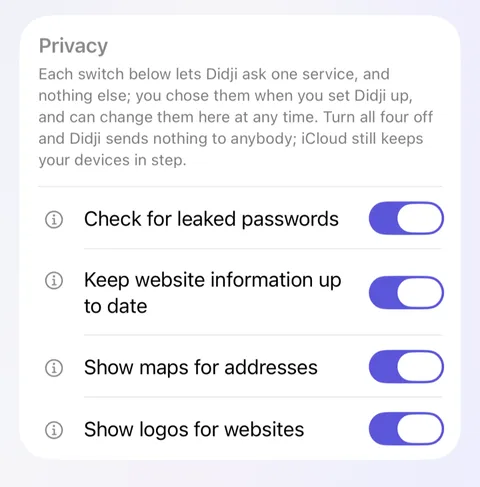
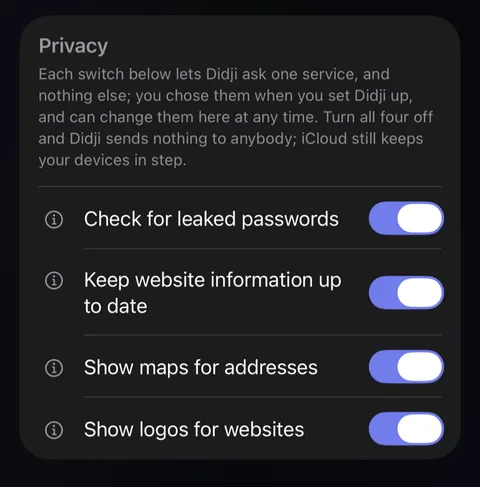
- Tap the beside a switch to read exactly what it sends.
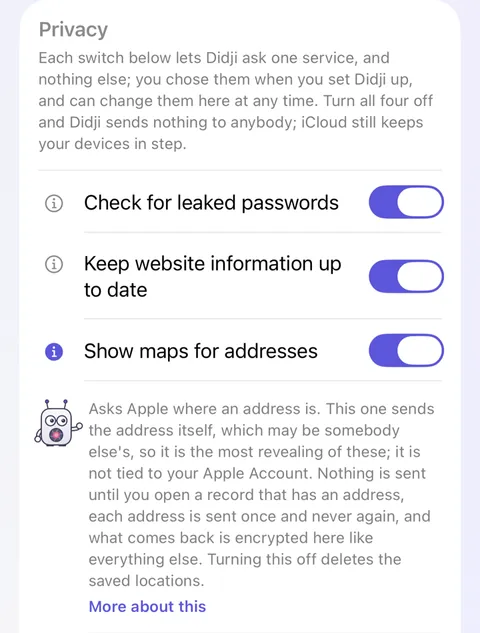
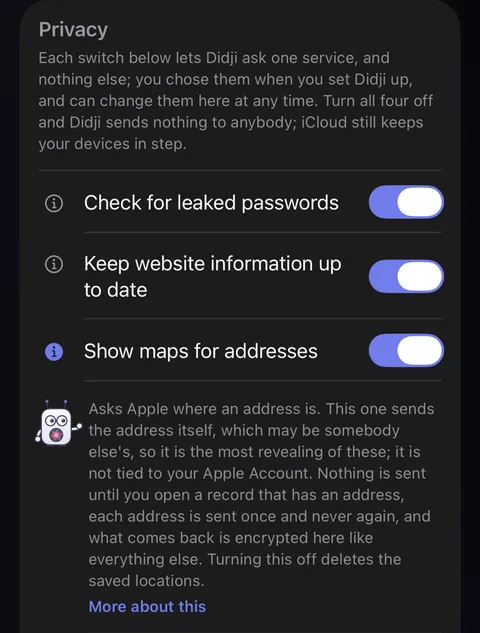
- In short: Check for leaked passwords sends five characters of a scrambled password to Have I Been Pwned, never the password. Keep website information up to date downloads three public lists about websites, and sends nothing about you: the sites that take passkeys and offer sign-in codes, from 2fa.directory, checked to be the ones 2factorauth published; Apple's list of how sites handle passwords, from GitHub (raw.githubusercontent.com); and the Public Suffix List, from publicsuffix.org, which tells one website from another. Show maps for addresses sends an address, which may be somebody else's, to Apple, not tied to your Apple Account. Show logos for websites asks every website in your vault for its own logo, so the network you are on can see which sites you use.
- What stays on this device: Didji notes when you open, copy from or fill each record, so Recently used and Most used can show what you use. It keeps the times of the last twenty uses of each record, locked with your vault key, on this device only: never in iCloud, never in a backup, never sent anywhere. Clear usage history under Privacy forgets it. Filling a person from Contacts uses Apple’s own picker: Didji never asks for access to your contacts, and only ever sees the one contact you pick.
Good to know
- Turn all four switches off and Didji sends nothing to anybody but iCloud and the App Store. It works the same in aeroplane mode; keeping your devices in step waits for a connection.
- Turning a switch off deletes what it found. Didji keeps the copy of the Public Suffix List it came with, so it still tells one website from another.
- When you share records with someone, they travel through iCloud, still locked, to that person and nobody else. A record you send to your Apple Watch goes to that watch, and nowhere else. A printed record leaves only by your hand, after Face ID.
- AutoFill gives iOS the websites and usernames it needs to suggest them above the keyboard. They stay on this device.
- An email from Contact us goes from your own Mail, with what you write, and the details shown to you first if you leave them in. Starting your free trial or buying Didji goes through the App Store, as any purchase does, and each time Didji opens it asks the App Store whether you have bought it: Apple sees the purchase, never your vault.
See also
Still stuck?
Write to us at hello@didji.app, and tell us which device you’re using if you can.
Never send a password or your recovery code to anybody, us included. What we can’t do for you.