Help
Stopping sharing


Stop sharing one record, or everything at once. Either of you can, any time.
Sharing is always yours to undo. You can take back a single record, or stop sharing with someone altogether, and they can do the same with what they share with you.
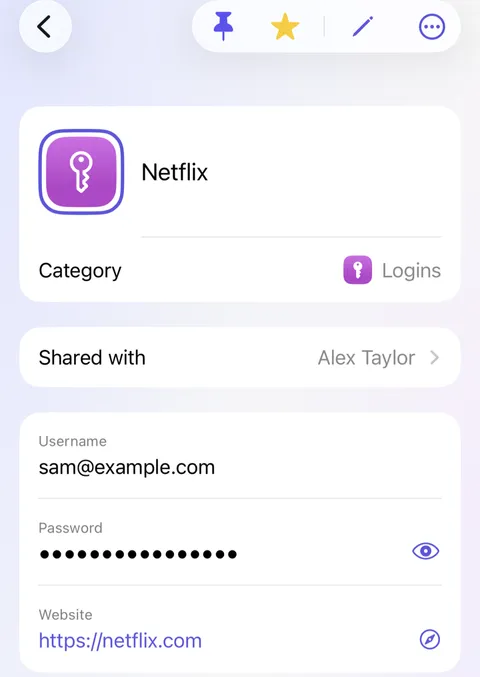
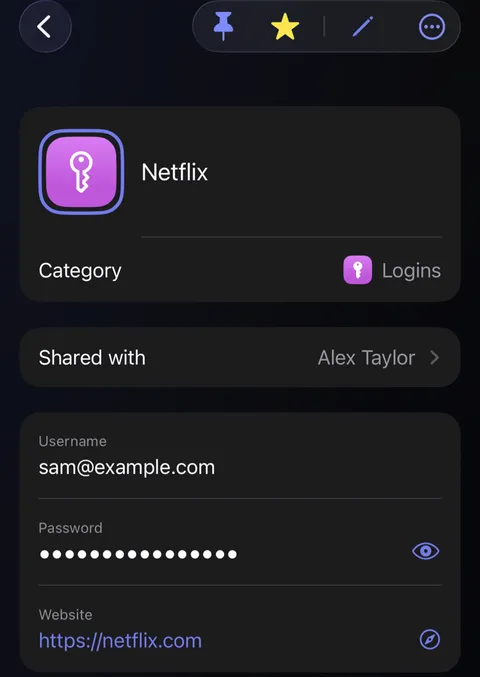
- To stop sharing one record, open it and tap Shared with. Untick them. The record goes from their Didji.
- To stop altogether, open their page in People & Places, and tap Stop sharing with followed by their name. Didji asks you to confirm.
- Everything you share goes from their Didji, and everything they share goes from yours.
Good to know
- Stopping can't take back what they've already seen. If they could see a password, it's worth changing it.
- An invitation they haven't used yet can be cancelled the same way, with Cancel invitation.
See also
Still stuck?
Write to us at hello@didji.app, and tell us which device you’re using if you can.
Never send a password or your recovery code to anybody, us included. What we can’t do for you.